How to Create Category As Page Content Separated From EasyBlog
EasyBlog5 allows you to separate the main articles of your site from the blogs that your member will use. If you do not want to show a certain page in the activity stream and keeping the category hidden from site users, the steps shall help you achieve it.
Create a category and set the Privacy Assigned Joomla User Group. To do so, navigate to
EasyBlog > Category > Permissions.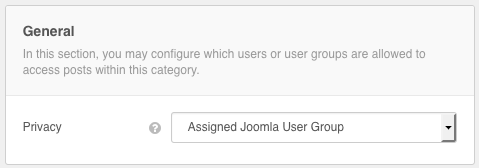
Next, you will need to decide the permission for which user group could view/edit the blog posts from this category.

To hide this category from the blog frontpage, go to Joomla Menu Manager and edit Easyblog Frontpage Menu Item. Simply exclude the desired category or any other categories you wanted to hide.

To create any page content, just head to Easyblog create new post. Just remember to select the correct category. Assuming that the hidden category is General.

You would also like to create Joomla menu links to access these content. Create a (Posts) Single Post menu and select the desired blog to be displayed.


That's all. Happy blogging!