This documentation provides instructions on how EasyBlog authors can autopost blog posts to their LinkedIn profile activity.
For Site Administrators
Site's administrator need to check and make sure the setting Allow Authors To Use Their Own LinkedIn Account is enabled at EasyBlog LinkedIn Autopost section.
Setting path:
Components > EasyBlog > Auto Posting > LinkedIn
Also, make sure the LinkedIn ACL for the writer's usergroup is enabled.
Setting path:
Components > EasyBlog > ACL > usergroup > Profile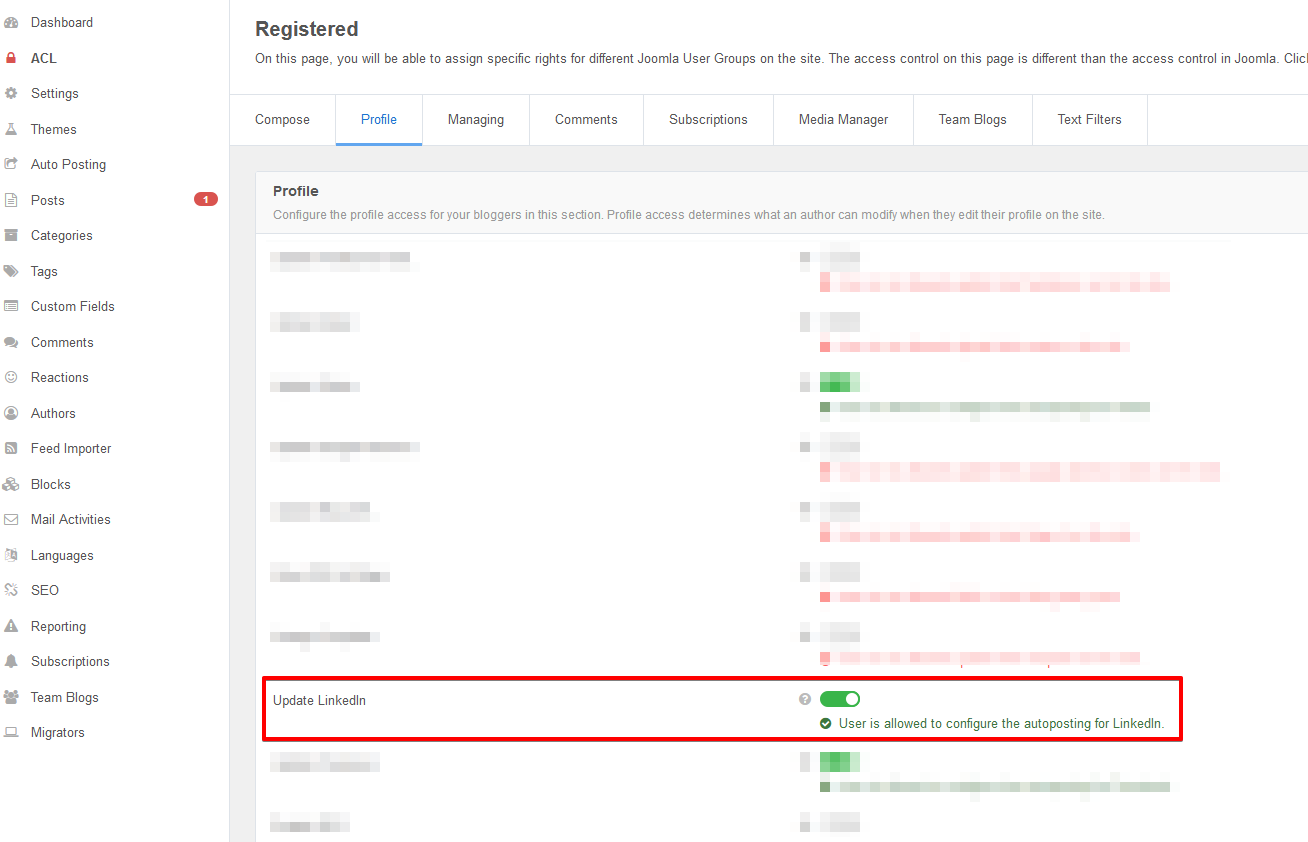


For Writers
Writers need to first link their LinkedIn account with EasyBlog. This linking process can be done from the frontend. Once the user has logged in, navigate to
Settings > Edit Profile > LinkedIn.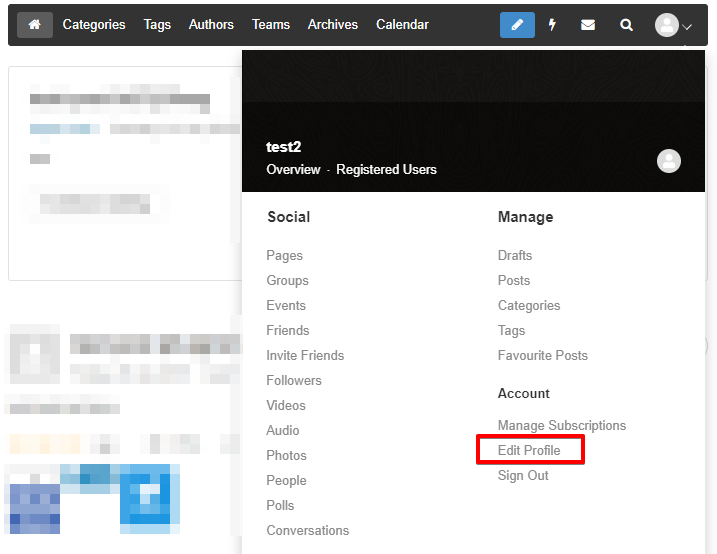
Sign in with LinkedIn account.
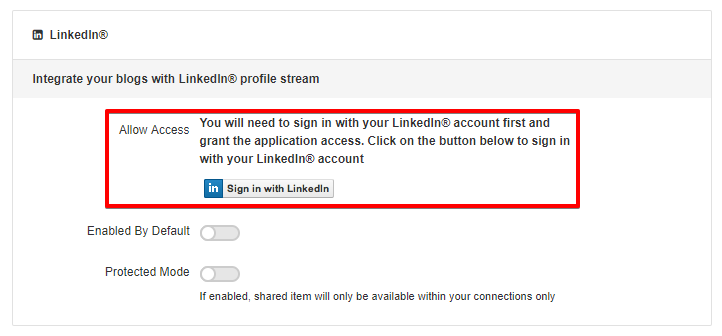


That's about it. Now, writers on the site can share their blog posts to their LinkedIn account. They will see the LinkedIn icon on the composer as illustrated in the following screenshot. By checking this option, newly created blog posts will be autoposted to their LinkedIn account.
