
Documentation

IMPORTANT

This is the outdated SI-documentation which will be adapted soon. A huge part may be obsolete!

Preventing Accidental Publishing

There are times where your authors may have accidentally clicked on the Publish button and there is no way to reverse this. With EasyBlog 5.3, there is a new settings that may prevent accidental publishing.

  1. Head over to Settings > Editor and turn on the feature as you can see below:
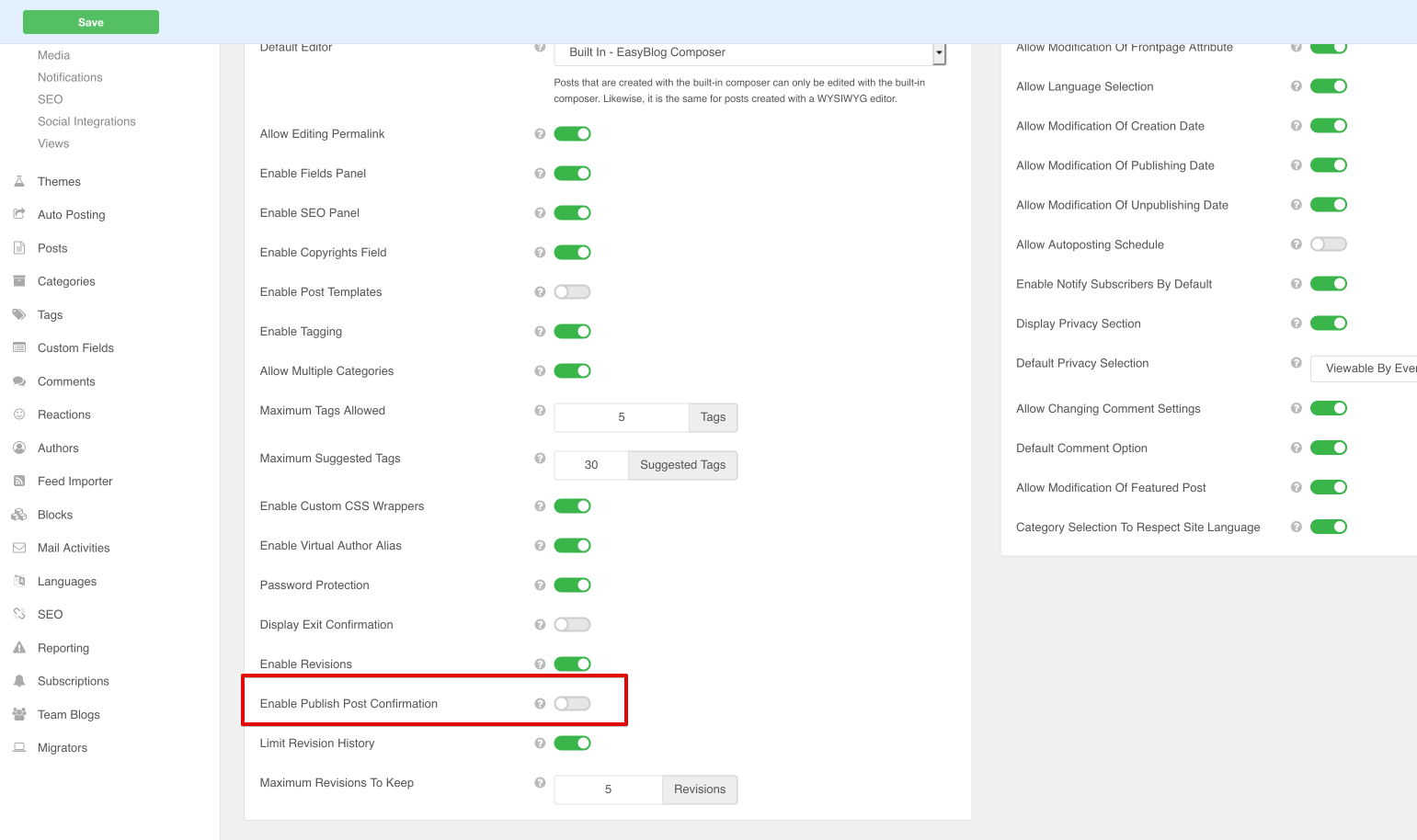
    Accidental Publishing

  2. When this feature is enabled, clicking on the Publish button does not immediately publish the post. Instead, there is a countdown timer of 10 seconds where the author may stop the post from being published.

    Accidental Publishing in action

We use cookies
We use cookies on our website. Some of them are essential for the operation of the site, while others help us to improve this site and the user experience. You can decide whether you want to allow cookies or not. Please note that if you reject them, you may not be able to use all the functionalities of the site.