We are saddened by your decision to uninstall EasyBlog from your site. If there is anything that we can do to reverse this decision of yours, please do get in touch with our support staffs.
Navigate yourself to
Joomla > Extensions > Extension Manager > Manageand click Manage. There you will see the list of extensions installed in your site.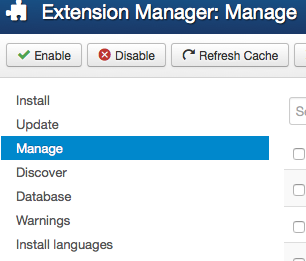
Next, search
EasyBlogin the search field to filter the list. Here is my example of the list and the result might be different from your site.
Next, you can select all from the list and click Uninstall.

Lastly, if you wish to completely uninstall EasyBlog from your site, open your database, and delete all EasyBlog tables. You should find tables with this prefix
#__easyblog.NotePlease be careful when deleting tables in your database. This step is **NOT REVERSIBLE**, and please make sure you have take extra precaution to **BACKUP** your entire site.


