There are times where your authors may have accidentally clicked on the Publish button and there is no way to reverse this. With EasyBlog 5.3, there is a new settings that may prevent accidental publishing.
Head over to
Settings>Editorand turn on the feature as you can see below: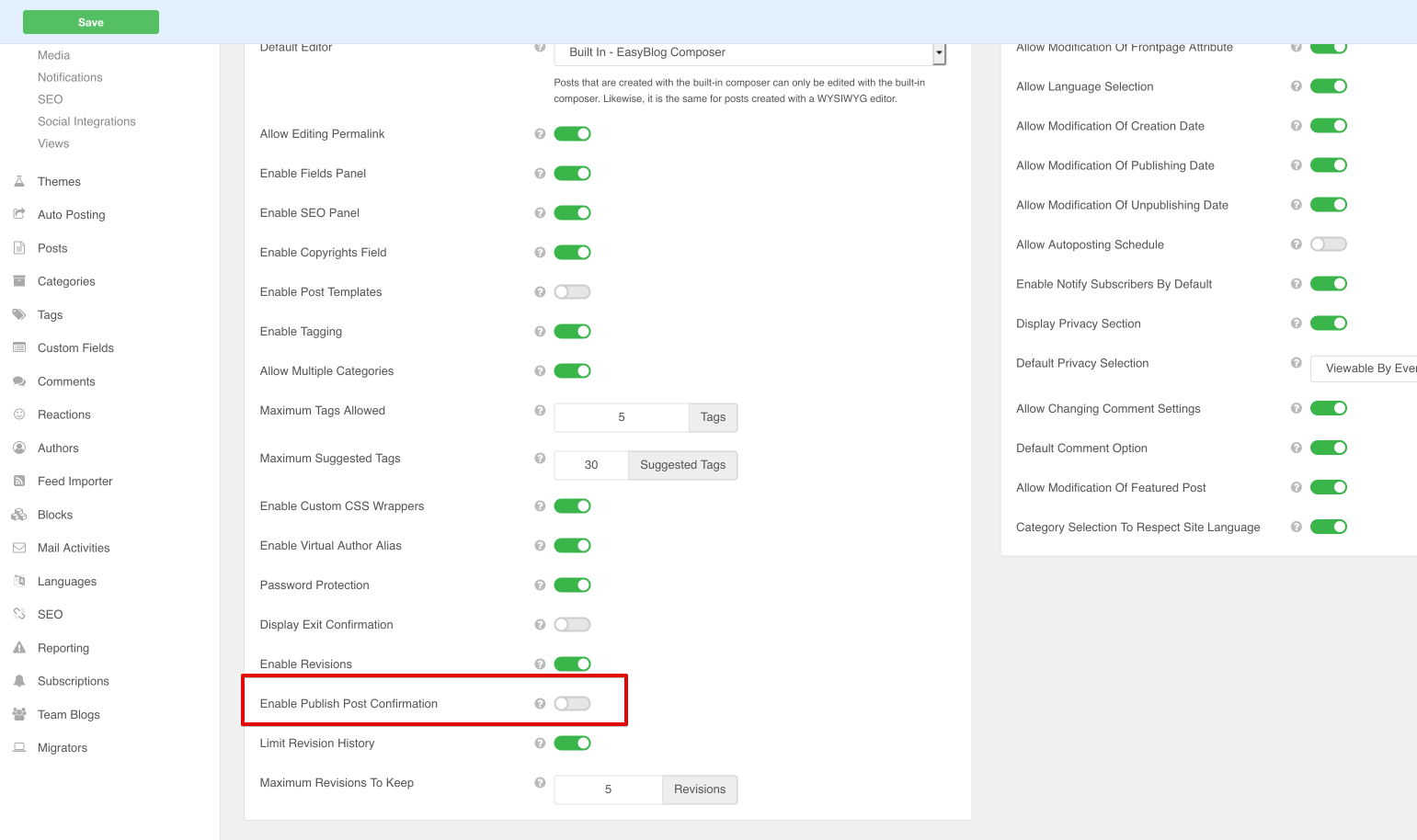
When this feature is enabled, clicking on the
Publishbutton does not immediately publish the post. Instead, there is a countdown timer of10 secondswhere the author may stop the post from being published.

